Creator toolkit · 10 min read
The 10 best apps for content creators in 2026
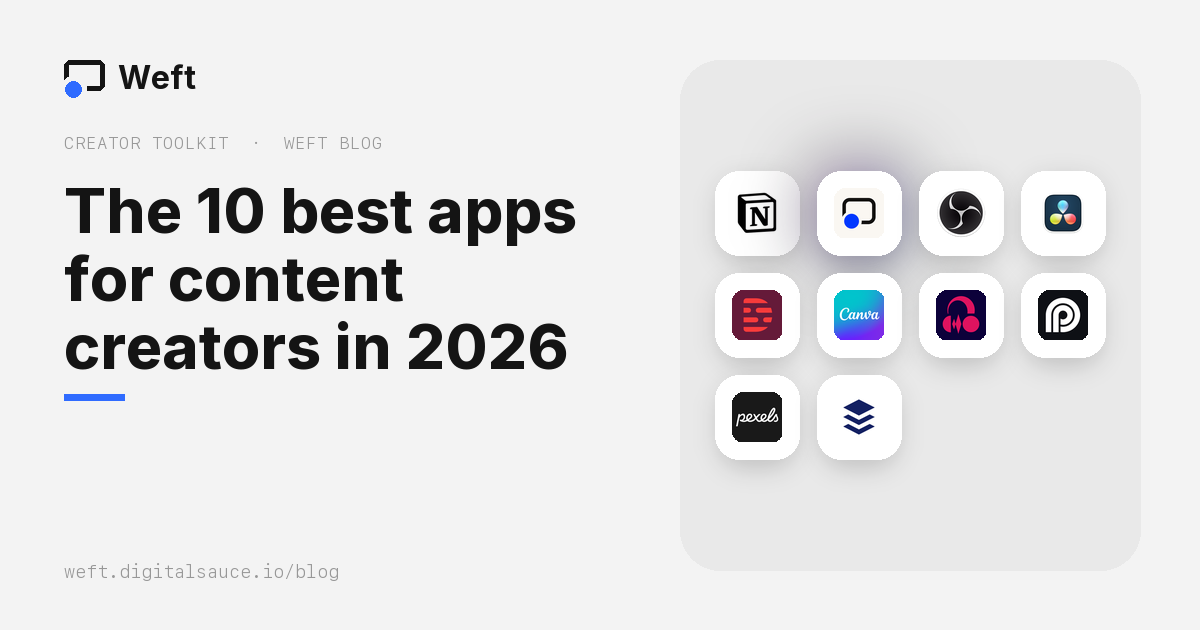
The short answer: one strong app for each step of making a video does more than ten that overlap. Our picks, all with a usable free plan: Notion to plan, Weft (which we make) and OBS Studio to record, DaVinci Resolve and Descript to edit, Canva for thumbnails, Audacity for audio, OpusClip to cut long videos into clips, Pexels for B-roll, and Buffer to schedule posts.
We make Weft, so it’s on this list. Free-plan limits come from each app’s own pricing pages, linked at the end, checked on 16 October 2026. They change often, so check before you build a workflow around one.
The 10 apps at a glance
| Step | App | Free plan | Main limit on free |
|---|---|---|---|
| Plan |  Notion | Yes | 5 MB per file upload; AI is trial only |
| Record |  Weft | Free | Desktop browser only; no hosting |
| Record, stream |  OBS Studio | Free | None; takes setup |
| Edit |  DaVinci Resolve | Free version | AI tools are in the paid Studio version |
| Edit by transcript |  Descript | Yes | 1 media hour a month; 720p with a watermark |
| Thumbnails, graphics |  Canva | Yes | Premium templates and stock; 5 GB storage |
| Audio |  Audacity | Free | None |
| Clips |  OpusClip | Yes | 60 minutes a month; watermark; clips expire after 3 days |
| B-roll, stock |  Pexels | Free | Can’t resell unaltered copies |
| Schedule |  Buffer | Yes | 3 channels, 10 queued posts each |
Plan
1. Notion Content calendar, scripts and ideas
- Free plan
- Web · Mac · Windows · iPhone · Android
Docs and databases you shape into whatever you need: a content calendar, a script library, a sponsor tracker. For one person the free plan has unlimited pages.
On the free plan: uploads are limited to 5 MB per file (so keep video drafts elsewhere), page history covers 7 days, and Notion AI is a trial.
Record
2. Weft Screen and webcam recording, plus quick edits
- Free, optional watermark
- Any desktop browser
- No account
- Nothing uploaded
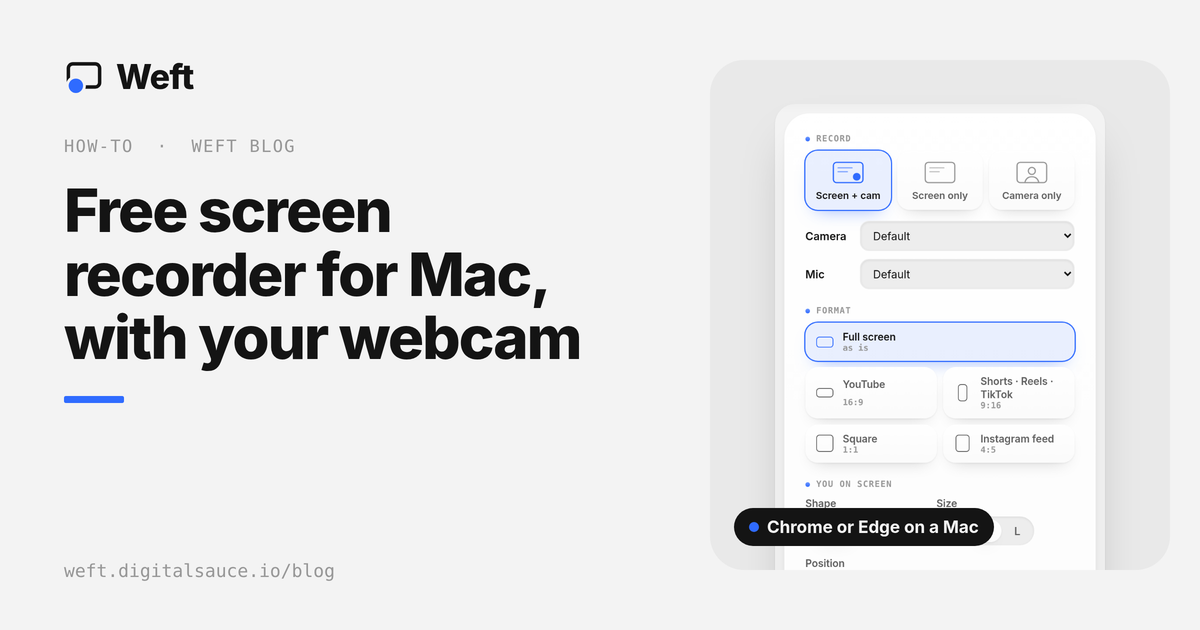
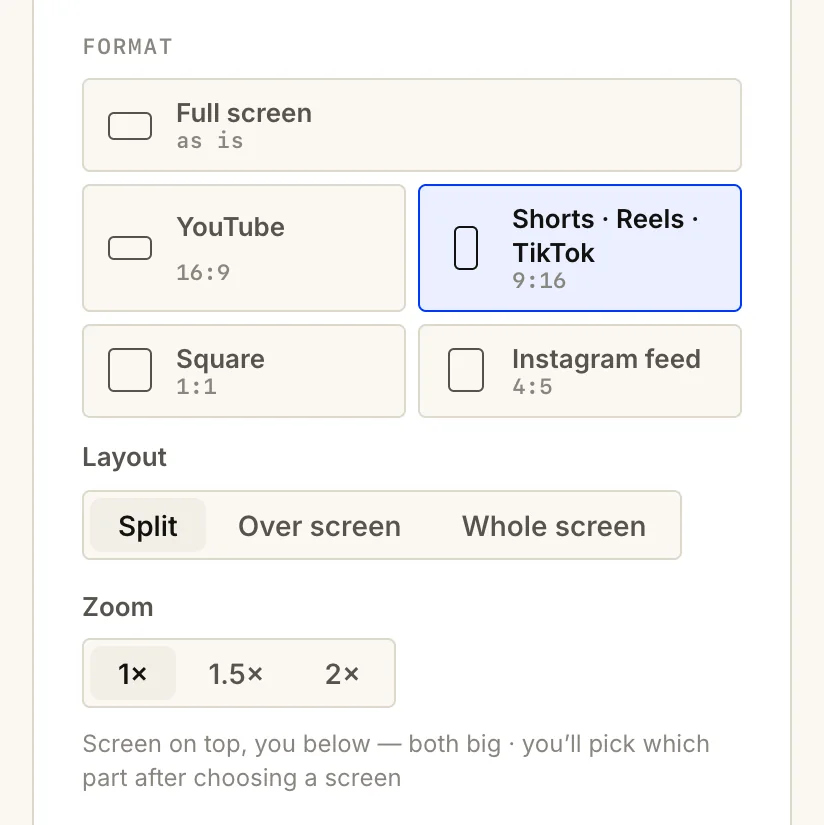
Record tutorials, product demos and reactions with your face in a circle, or cut out from your background, and get an MP4 in your own folder. Weft records straight into 9:16 for Shorts, Reels and TikTok, with a split layout that keeps your screen readable. It also films in named sections, and can save a second copy without your camera. The editor trims, captions, blurs and adds click markers and zooms, then exports 9:16, 4:5, 1:1 or 16:9.
Not for: hosted share links, team libraries, or recording on a phone.
Open the studio · Making vertical screen recordings readable
3. OBS Studio Live streaming and complex scenes
- Free, open source
- Windows · Mac · Linux
- No account
The free standard for live streaming, and for recordings that combine several cameras, capture cards and overlays. There are no limits and no watermark.
Trade-off: it takes setup, and it doesn’t edit. Recording a remote guest? Riverside records each person separately in high quality, though its free plan is limited (two one-off hours of separate tracks, at 720p, with a watermark).
Edit
4. DaVinci Resolve Long-form and professional editing
- Free version
- Mac · Windows · Linux · iPad
- Up to 4K, 60 fps
A full professional editor, colour grader, effects suite and audio mixer, free with no time limit or watermark, exporting up to Ultra HD 4K at 60 fps. It’s the honest answer to “what’s the best free editor for YouTube”.
Trade-off: it needs a capable computer and time to learn. The AI tools are in the paid Studio version.
5. Descript Edit talking-head video by editing text
- Free plan
- Mac · Windows · browser
- Transcription built in
Descript transcribes your video and lets you cut it by deleting words, which makes it very fast for podcasts, interviews and talking-head videos. It also removes filler words and cleans up audio.
On the free plan: 1 media hour a month, 100 one-off AI credits, and exports at 720p with a watermark. Treat it as a trial, or pay once you rely on it.
Design
6. Canva Thumbnails, covers and social graphics
- Free plan
- Web · desktop · phone
- Templates
Templates for thumbnails, Story covers, carousels and channel art, sized for each platform. The free plan includes millions of free photos, graphics and templates, and 5 GB of storage.
On the free plan: premium templates and stock are marked and carry watermarks until paid for, the brand kit is limited, and scheduling posts is a Pro feature.
Audio
7. Audacity Clean up voiceovers and podcasts
- Free, open source
- Windows · Mac · Linux
- No account
Record voiceovers, remove background noise, even out volume and cut mistakes. Audacity has been free for over two decades and says it always will be. Version 4 brought a redesigned interface.
Repurpose
8. OpusClip Turn long videos into short clips
- Free plan
- Web · iPhone
- AI clipping and captions
Upload a long video and OpusClip picks highlights, reframes them to vertical and adds animated captions, scoring each clip on how likely it is to do well.
On the free plan: 60 credits a month (a credit is a minute of source video), 1080p with a watermark, no editing, and clips can’t be exported after 3 days. If you’d rather choose the moments yourself, reframe them in Weft for free with no watermark.
9. Pexels Free B-roll and stock photos
- Free
- Photos and video
- No attribution needed
Free stock photos and, crucially for video creators, stock video, usable without credit. Pexels is owned by Canva, and its library is built into Canva too.
Rules to know: you can’t sell unaltered copies, redistribute them on other stock sites, or use people in them in a way that implies they endorse you.
Post
10. Buffer Schedule posts across platforms
- Free plan
- Web · iPhone · Android
- 3 channels
Queue posts for your social accounts from one place, with an ideas board and basic analytics. The free plan covers 3 channels with 10 scheduled posts each, refilled as they go out, which is enough for most solo creators.
Alternatives: Metricool’s free plan adds competitor tracking but leaves out LinkedIn and X; Later has no free plan, only a trial.
Worth knowing about
- CapCut is the most popular editor for short-form video, with templates and automatic captions. We left it out of the ten because its free limits have shifted repeatedly and its terms give it a broad licence to what you make. See free video editors for the details.
- Adobe Express overlaps heavily with Canva and includes a simple scheduler; pick whichever fits your existing tools.
- ElevenLabs makes AI voiceovers, but on its free plan published content must credit it, and commercial use isn’t allowed.
A simple, mostly free workflow
- Plan the week’s videos in a Notion database, with a script for each.
- Record the screen and yourself in Weft, straight into 16:9 for YouTube, or 9:16 for Shorts.
- Trim, caption and blur in Weft for short videos; take long ones into DaVinci Resolve.
- Clean up the voice in Audacity if it needs it.
- Make the thumbnail in Canva, using Pexels footage or photos where you need them.
- Cut the best moments into vertical clips: reframe them in Weft, or let OpusClip suggest them.
- Queue everything in Buffer.
Start with the recording: Weft is free, runs in your browser and saves straight to your folder.
Open WeftGoing deeper on one step? See the best free screen recorders, free video editors with no watermark, and private screen recorders for client and confidential work.
Questions people ask
What apps do content creators use?
Usually one per step: a planner like Notion, a recorder like Weft or OBS Studio, an editor like DaVinci Resolve, Descript or CapCut, a design tool like Canva for thumbnails, an audio tool like Audacity, and a scheduler like Buffer.
What is the best free app for content creators?
There isn’t one that does everything well. For video, the strongest free combination is a recorder (Weft or OBS Studio), a free editor (DaVinci Resolve, or Weft for quick edits), and Canva for thumbnails.
Can I make content without paying for any apps?
Yes. OBS Studio, DaVinci Resolve, Audacity and Pexels are free with no watermark; Weft is free too, and its small “Made with Weft” mark switches off in one tap. Notion, Canva and Buffer have free plans that cover a solo creator. The catches are in AI features, premium templates and team use.
What is the best app to record YouTube videos?
For screen-based videos such as tutorials and demos, Weft records your screen and webcam in the browser and exports 16:9 for YouTube. For camera-heavy or streamed videos, OBS Studio gives more control.
Sources
Ask AI about this guide
Opens your assistant with a question about this page, answered from it.