The Weft blog
Guides to recording, editing and keeping your videos private
Honest comparisons and how-tos from the team that makes Weft, a free screen recorder and editor that runs in your browser. Where another tool is the better choice, we say so.
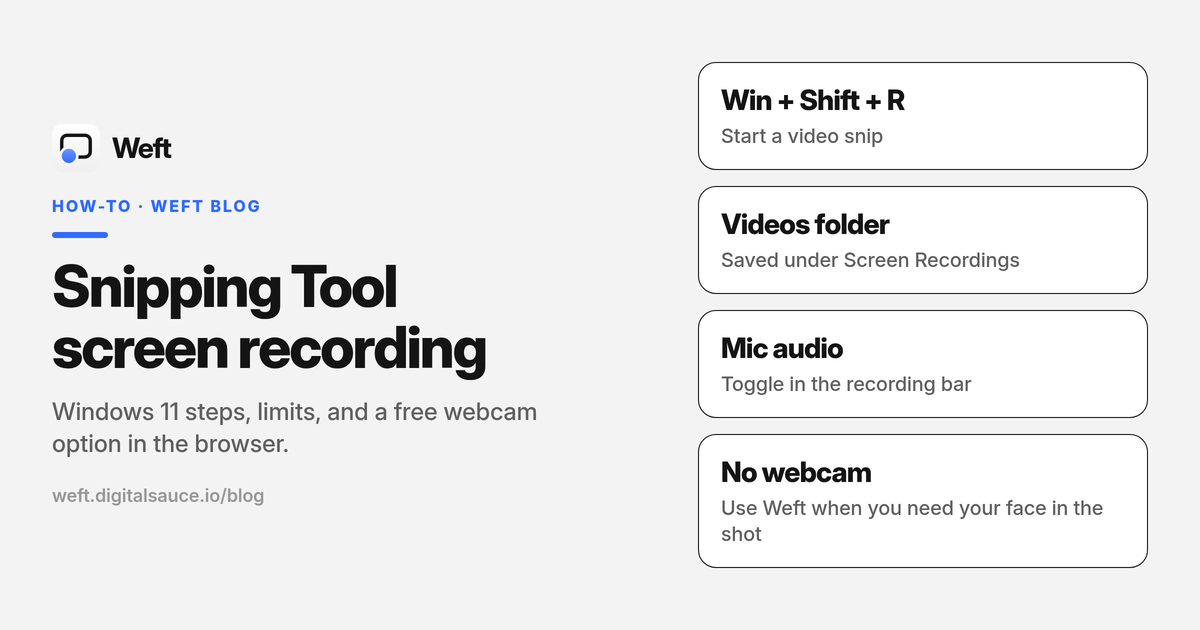 How-to · 8 min read
Snipping Tool screen recording: how it works, its limits, and a free webcam option
Snipping Tool screen recording on Windows 11: how to start, record audio, where videos save, what it cannot do, and a free browser option with webcam.
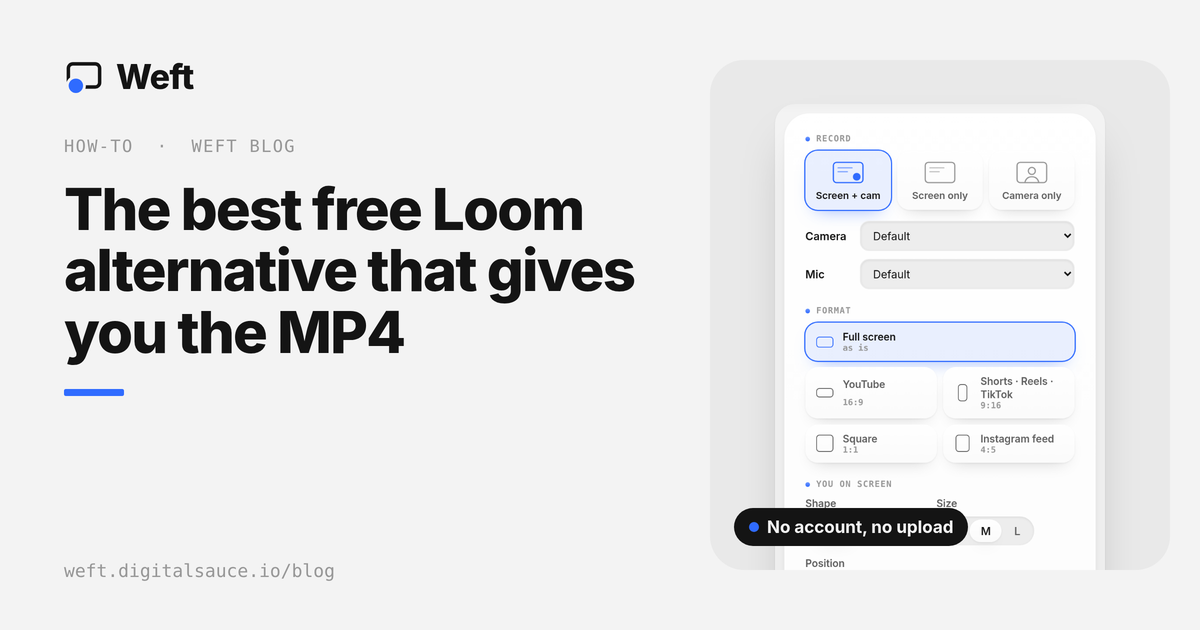 How-to · 8 min read
The best free Loom alternative that gives you the MP4
Loom alternative guide: free recorders that save an MP4 with your webcam, no account or upload. Weft, Cap, OBS and Clipchamp vs Loom’s free limits.
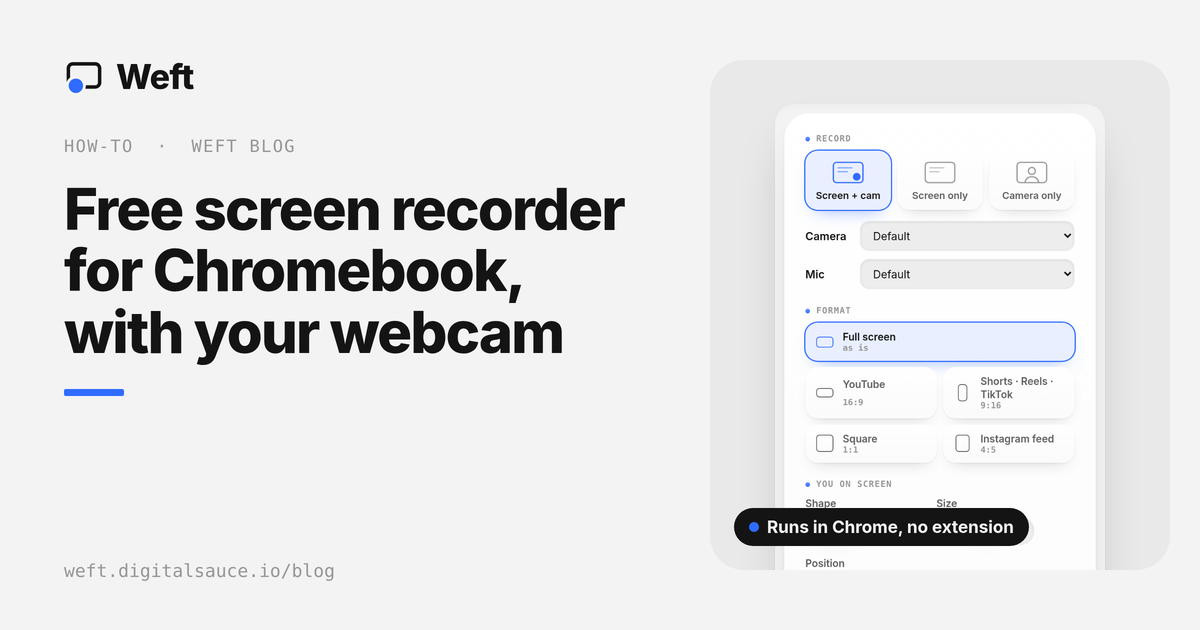 How-to · 7 min read
Free screen recorder for Chromebook, with your webcam
Screen recorder for Chromebook: use the built-in Screen capture with Front Camera, or a free browser recorder that saves an MP4. No extension, no sign-up.
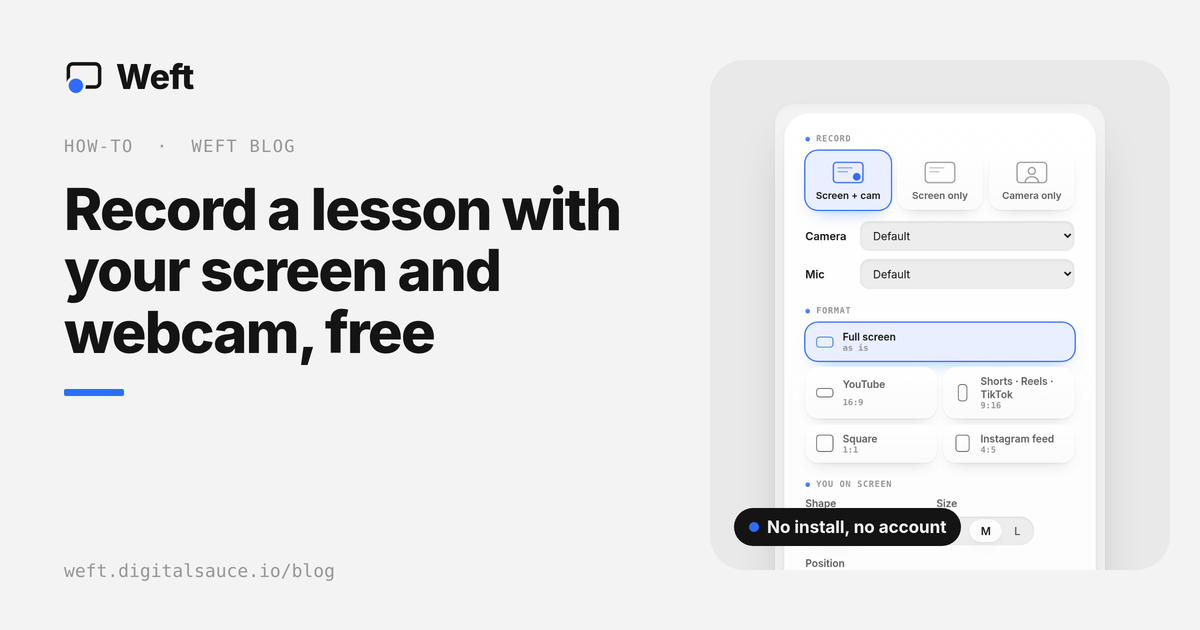 How-to · 6 min read
How to record a lesson with your screen and webcam, free
A free screen recorder for teachers: record a lesson with your screen and webcam in the browser, no install, then share the MP4 with students.
 How-to · 8 min read
Free screen recorder for Mac, and how to add your webcam
Free screen recorder for Mac options compared: the Screenshot toolbar, QuickTime, OBS and Weft, including how to add your webcam with no forced watermark.
 Screen recording · 9 min read
The best free screen recorders in 2026
The best free screen recorders in 2026 compared: watermarks, time limits, webcam, editing and where your files go. Picks for Windows, Mac and the browser.
 Privacy · 8 min read
Private screen recorders that never upload your videos
Private screen recorders that keep recordings on your computer, not the cloud: which tools are local-only, which upload by default, and why it matters.
 Video editing · 9 min read
Free video editors with no watermark
Free video editors with no watermark, compared for 2026: which are truly zero cost, what free plans hide, and the best pick for screen recordings.
 Creator toolkit · 10 min read
The 10 best apps for content creators in 2026
The 10 best apps for content creators in 2026, one per step: plan, record, edit, design, audio, captions, clips and scheduling, with free plans compared.
 How-to · 6 min read
How to record your screen and webcam at the same time
How to record your screen and webcam at the same time on Mac, Windows or a Chromebook, free with no forced watermark, plus how to cut out your background.
 How-to · 7 min read
How to turn a screen recording into a vertical video
Turn a screen recording into a vertical 9:16 video for Reels, TikTok and Shorts that people can actually read: split layouts, zoom, safe zones and export.
Ask AI about Weft
Opens your assistant with a question about Weft, answered from this site.
Record your next video in 30 seconds.
Weft is free and runs in your browser: screen and webcam, a built-in editor, MP4s saved to your own folder. No sign-up, no upload, and the watermark is optional.
Open the studio