Video editing · 9 min read
Free video editors with no watermark
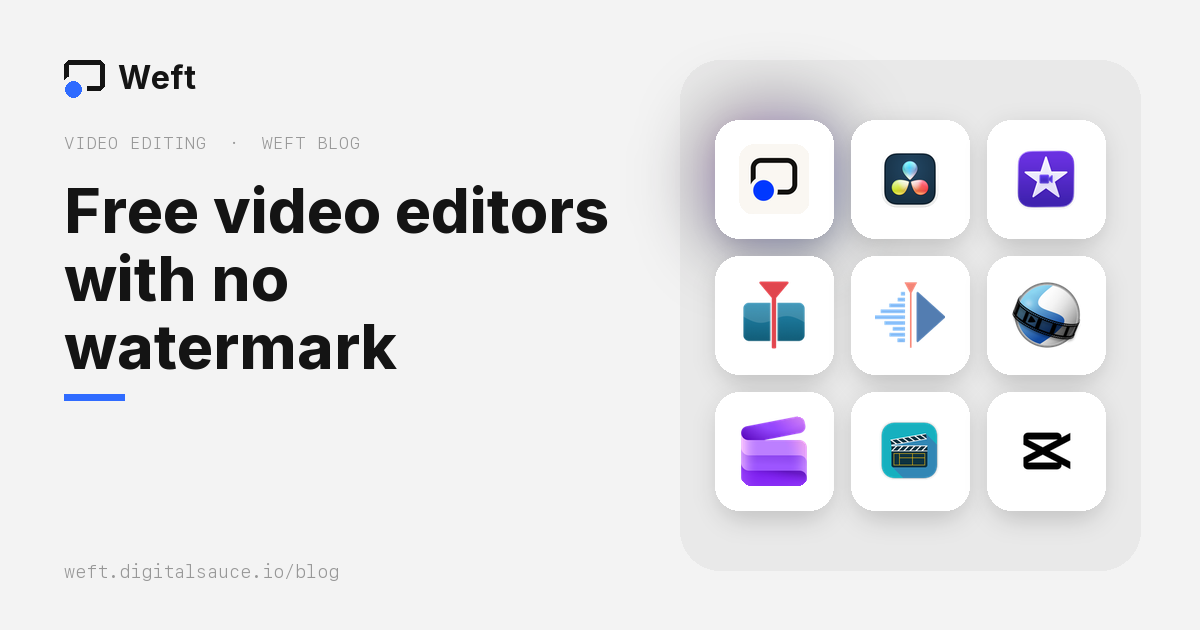
The short answer: the editors that are completely free with no watermark are DaVinci Resolve, Shotcut, Kdenlive, OpenShot and iMovie (Mac and iPhone only), plus Clipchamp at up to 1080p. For screen recordings and vertical videos made in the browser, with nothing to install, there’s Weft, which we make: free, with a small “Made with Weft” mark that’s on by default and switches off in one tap. CapCut, Canva and Adobe Express are free until you use a paid template, effect or asset. Descript watermarks every free export.
Below: what each one really gives you for nothing, as of October 2026, and which to pick for what.
We make Weft, so it’s on this list. We’ve tried to be fair: each tool’s strengths and catches are taken from its own pricing and help pages, linked at the end. Free plans change often, so check the current terms before you commit a big project to one.
Free video editors compared
| Editor | Runs on | Watermark on free exports | Free export limit | Account needed | Your files |
|---|---|---|---|---|---|
 Weft | Desktop browser (edits on phones too) | Optional, off in one tap | None | No | Stay on your computer |
 DaVinci Resolve | Mac, Windows, Linux, iPad | No (only if you use Studio-only effects) | Up to 4K UHD, 60 fps | No | Local |
 iMovie | Mac, iPhone, iPad | No | 4K at 30 fps | Apple Account to download | Local |
 Shotcut | Mac, Windows, Linux | No | Up to 4K | No | Local |
 Kdenlive | Linux, Windows, Mac | No | None stated | No | Local |
 OpenShot | Linux, Mac, Windows | No | None stated (4K presets) | No | Local |
 Clipchamp | Browser, Windows | No | 1080p | Microsoft account | Depends on account; can back up to OneDrive |
 LosslessCut | Mac, Windows, Linux | No | Same as the source | No | Local |
 CapCut | Phone, desktop, browser | Only if you use Pro templates, effects or assets | 4K and 60 fps are Pro on desktop | Yes for the browser version | Local, browser version in the cloud |
 VN | Phone, Mac, Windows | No | Up to 4K, 60 fps | Not confirmed | Local |
 Canva | Browser, desktop, phone | Only on premium elements | 1080p, 30 minutes | Yes | Canva’s cloud |
 Adobe Express | Browser, phone | No (premium stock needs an upgrade) | No 4K, 30 minutes | Yes | Adobe’s cloud |
 Descript | Mac, Windows, browser | Yes, always | 720p, 1 media hour a month | Yes | Descript’s cloud |
The editors, one by one
Weft Best for screen recordings and vertical video, in the browser
- Free, optional watermark
- Desktop browser
- No account
- Nothing uploaded
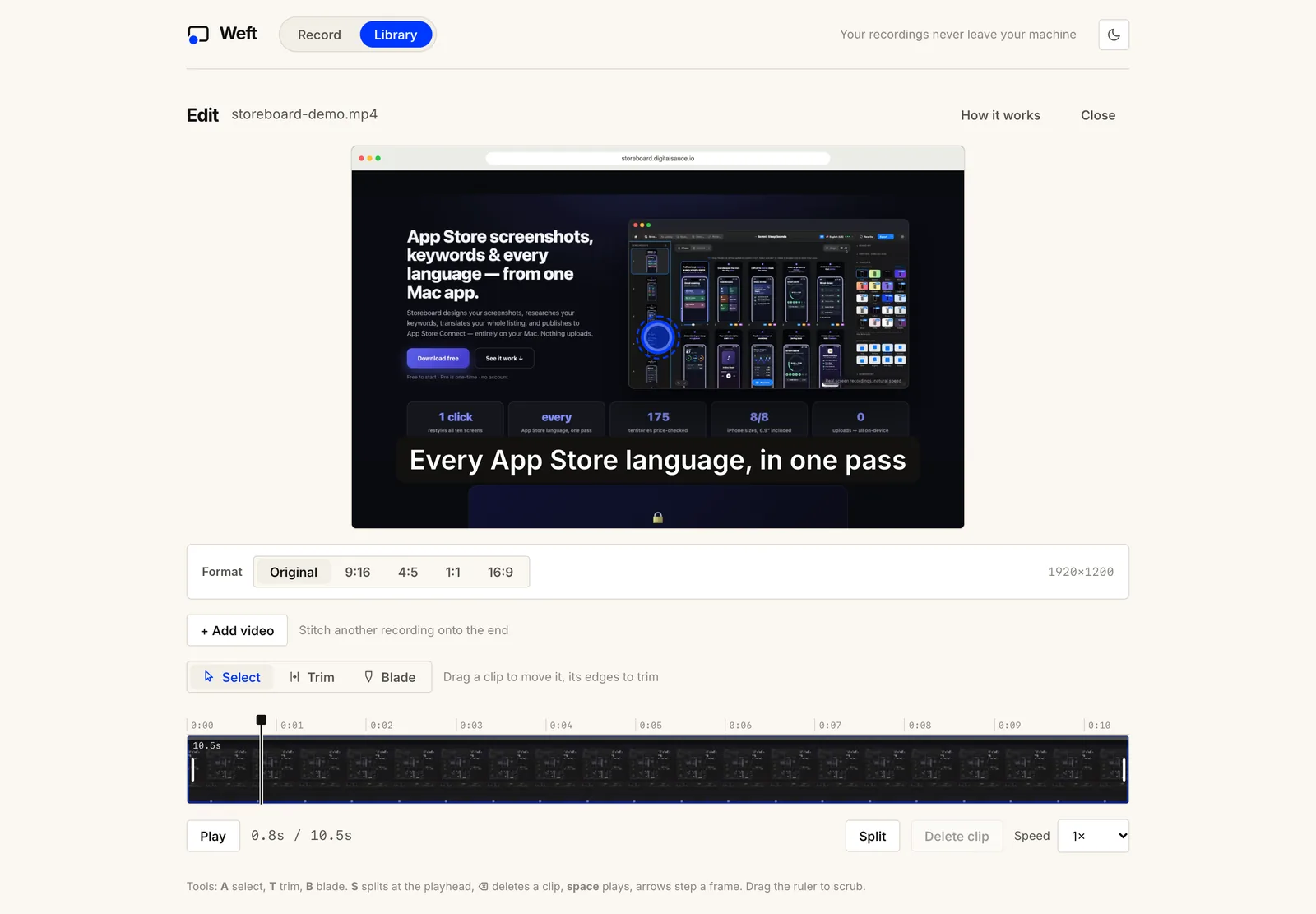
Weft is a screen recorder with an editor built in, and the editor also opens MP4, MOV and WebM files from anywhere. You trim, split and cut, change speed per section, type captions, add a logo, blur anything private, mark clicks and zoom in on part of the screen. Then you export in 9:16, 4:5, 1:1 or 16:9, cropping with a pan control or fitting the video over blurred bars. Everything runs in your browser and the finished MP4 goes into a folder on your computer. A small “Made with Weft” mark sits in a corner by default; switch it off beside Export MP4 and the file has none, at no cost.
The catch: it’s built for quick edits of screen recordings, not long projects. There’s one video track, no colour grading, and captions are typed rather than generated from speech.
DaVinci Resolve Best free professional editor
- Free version
- Mac · Windows · Linux · iPad
- Up to 4K, 60 fps
- Local files
Blackmagic Design’s free edition is a full professional editor with colour grading, visual effects (Fusion) and audio (Fairlight) built in, and no time limits. It exports up to Ultra HD 3840×2160 at 60 fps. The paid Studio version (a one-off purchase) adds the AI tools, extra effects, noise reduction and higher resolutions.
The catch: it’s demanding. Blackmagic lists 16 GB of RAM for Windows, Apple silicon only on a Mac, and a capable graphics card; and it takes real time to learn. Using a Studio-only effect in the free version puts a watermark on the export.
iMovie Best for beginners on a Mac or iPhone
- Free
- Mac · iPhone · iPad
- 4K at 30 fps
- Local files
Apple’s editor is simple, polished and often already installed. There’s no paid tier, so there’s nothing to upsell. It exports 4K at 30 fps, or 1080p at 60 fps.
The catch: Apple devices only. The iPhone and iPad app hasn’t been updated since December 2024, though the Mac version was updated in September 2026.
Shotcut Best open-source editor for Windows and Mac
- Free, open source (GPL)
- Mac · Windows · Linux
- Up to 4K
- No account
A capable desktop editor with broad format support and no strings attached: no paid tier, no account, no watermark. Updates arrive regularly.
The catch: the interface is less polished than commercial apps, so expect a learning curve.
Kdenlive Best on Linux
- Free, open source (GPL)
- Linux · Windows · Mac
- Multi-track
- No account
KDE’s multi-track editor is the most complete open-source option, with proxies, effects, titles and keyframes. It runs on Windows and Mac too, but it’s most at home on Linux.
The catch: more to learn than a beginner app, in exchange for more control.
OpenShot Simplest open-source editor
- Free, open source (GPL)
- Linux · Mac · Windows
- 4K export presets
- No account
OpenShot aims at newcomers, and its own site promises no subscriptions, watermarks or project limits. Version 4.0 arrived in September 2026.
The catch: it has a history of struggling with long or complex projects. Keep it for shorter edits.
Clipchamp Best quick editor on Windows
- Free with a Microsoft account
- Browser · Windows
- 1080p, no watermark
- OneDrive storage
Microsoft’s editor is built into Windows 11 and runs in the browser. The free plan exports watermark-free video up to 1080p and includes AI subtitles and silence removal. 4K and premium stock need a Microsoft 365 subscription.
The catch: you need a Microsoft account, and Microsoft’s own help pages describe projects being backed up to OneDrive, using your OneDrive space, so check where yours are stored if that matters to you. Its iPhone app was discontinued in June 2026.
LosslessCut Best for trimming long recordings instantly
- Free, open source
- Mac · Windows · Linux
- No re-encoding
- No account
Not a full editor: it cuts, trims and joins video without re-encoding it, so a two-hour recording is trimmed in seconds with no quality loss. It’s free from GitHub; the Mac App Store and Microsoft Store versions are paid conveniences.
The catch: no titles, effects or captions, and cuts land on keyframes unless you use its experimental smart cut.
CapCut Free until you touch a Pro feature
- Free plan, Pro paid
- Phone · desktop · browser
- Templates and auto-captions
The most popular editor for TikTok-style video, with templates, effects and automatic captions. Ordinary edits can export without a watermark, but any template, effect, font, sound or AI feature marked Pro adds one or asks you to upgrade, and the line between free and Pro has moved several times.
The catch: beyond the shifting limits, CapCut’s terms give it a broad, perpetual licence to content you make with it. It’s owned by ByteDance and is unavailable in some countries, India among them.
VN Video Editor A watermark-free option for phones
- Free, optional Pro
- iPhone · Android · Mac · Windows
- No watermark
A multi-track editor designed for phones, with keyframes and auto-captions, that promises no watermark on free exports. A paid VN Pro and AI credits exist, but the app doesn’t clearly document what they add.
Canva and Adobe Express Template-first, free with care
- Free plans
- Browser · desktop · phone
- Account and cloud storage
Both are design tools with a timeline for short videos, and both are good for branded social clips built from templates. On Canva’s free plan, videos export at 1080p for up to 30 minutes; premium elements carry watermarks until they’re paid for. Adobe Express exports free video without a watermark, up to 30 minutes and below 4K, and asks you to upgrade if a project uses premium stock.
Free, but with a watermark (or gone)
- Descript is excellent for editing talking-head video by editing its transcript, but its free plan puts a Descript watermark on every export, at 720p, with one media hour a month. Good to try; not a zero-cost editor.
- Adobe Premiere Rush is discontinued. Adobe removed it from sale in September 2025 and stopped it working in September 2026; its replacement is Premiere on mobile.
- Olive, an open-source editor, has been on hiatus: its site says it “will return”, and its last release was a 2024 pre-release.
Which free editor should you use?
| You want to… | Use |
|---|---|
| Edit a screen recording or tutorial, quickly, with nothing to install | Weft |
| Turn a landscape recording into Reels, TikTok or Shorts | Weft, CapCut |
| Edit a YouTube video properly, with colour and audio | DaVinci Resolve |
| Make a simple family or travel video on a Mac or iPhone | iMovie |
| Stay fully open source | Shotcut, Kdenlive, OpenShot |
| Trim a huge file without losing quality | LosslessCut |
| Keep footage off anyone’s cloud | Weft, DaVinci Resolve, Shotcut, Kdenlive, OpenShot, iMovie, LosslessCut |
Edit a video in your browser now: drop in an MP4, trim it, caption it and export. Free, no watermark, no upload.
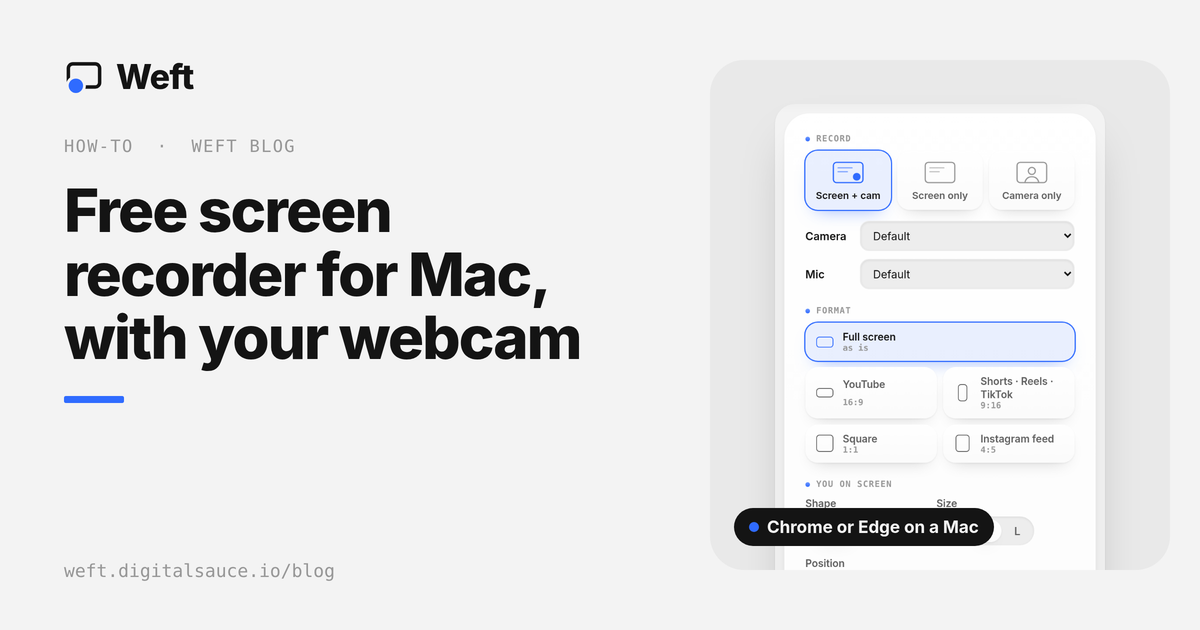
Open WeftNeed to record the video first? See the best free screen recorders and how to record your screen and webcam at the same time. Building a full creator toolkit? Here are the 10 best apps for content creators.
Questions people ask
What is the best free video editor with no watermark?
For serious editing, DaVinci Resolve: it’s a professional editor whose free version exports up to 4K with no watermark. For quick edits of screen recordings in the browser, Weft. For beginners on Apple devices, iMovie. For open source, Shotcut or Kdenlive.
Does CapCut add a watermark?
Not on ordinary edits, but using any template, effect, font, sound or AI feature marked Pro adds a watermark or asks you to upgrade. What’s free has changed several times, so check before you start a project.
Is there a free video editor that works in the browser?
Yes. Weft runs in Chrome or Edge with no account and keeps your files on your computer. Clipchamp and Canva also run in the browser, but both need an account, and Canva keeps projects in its cloud.
Is DaVinci Resolve really free?
Yes. The free version is a full editor with colour, effects and audio tools and no time limit, exporting up to Ultra HD 4K at 60 fps. The paid Studio version adds AI tools, extra effects and higher resolutions.
Which free editors keep my videos on my own computer?
Weft, DaVinci Resolve, iMovie, Shotcut, Kdenlive, OpenShot and LosslessCut all edit local files. Canva, Adobe Express and Descript store projects in their cloud, and Clipchamp can back projects up to OneDrive depending on your account.
Sources
- DaVinci Resolve product page and release notes; watermark on Studio-only effects per CineD
- Apple: iMovie export resolutions
- Clipchamp pricing, Clipchamp cloud storage, iOS app deprecation
- Shotcut, Kdenlive, OpenShot, LosslessCut on GitHub
- CapCut: Pro features and export, CapCut terms of service
- Canva: downloading video, Canva premium elements, Adobe Express pricing
- Descript pricing, Adobe: Premiere Rush discontinuation, Olive
- Checked 16 October 2026.
Ask AI about this guide
Opens your assistant with a question about this page, answered from it.